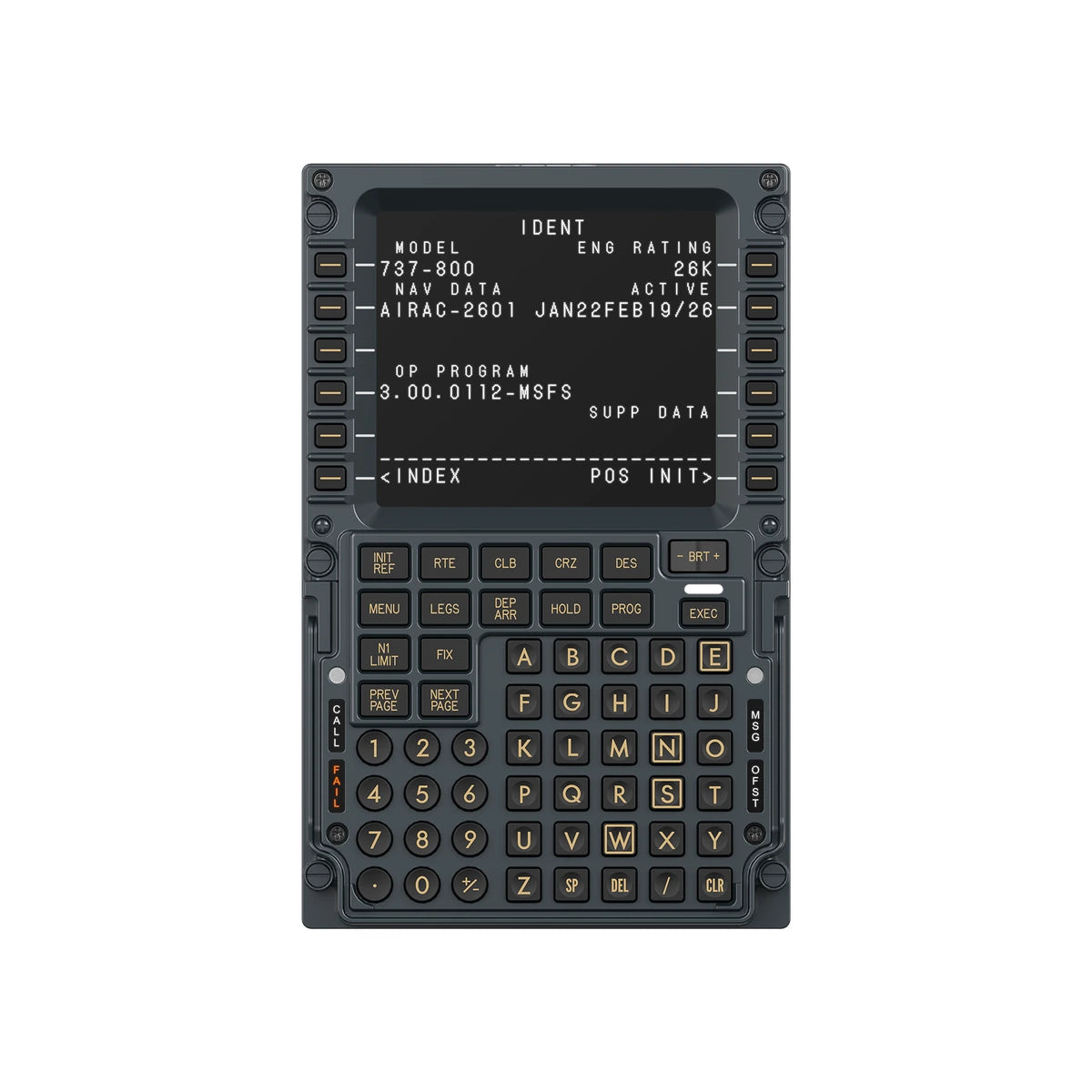
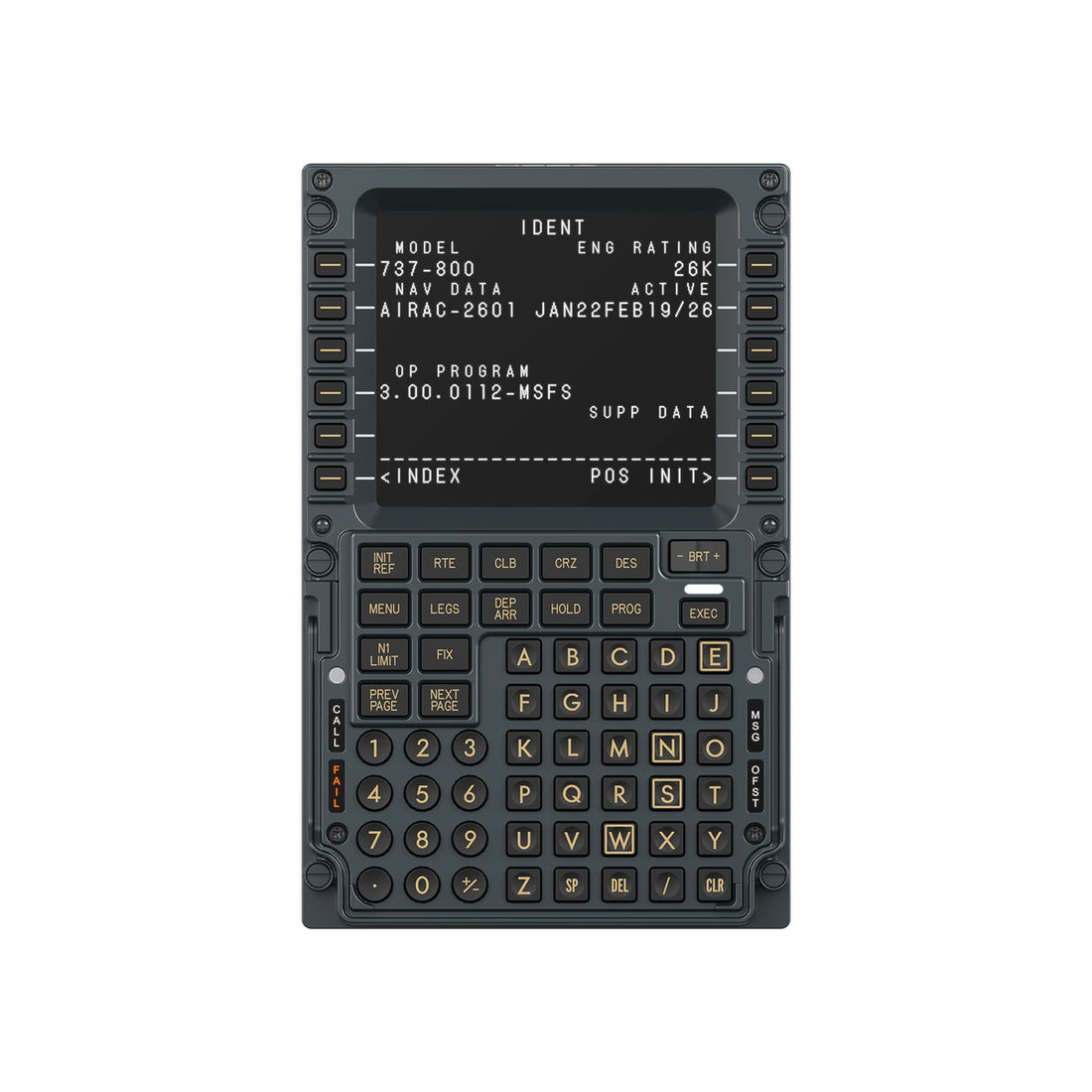
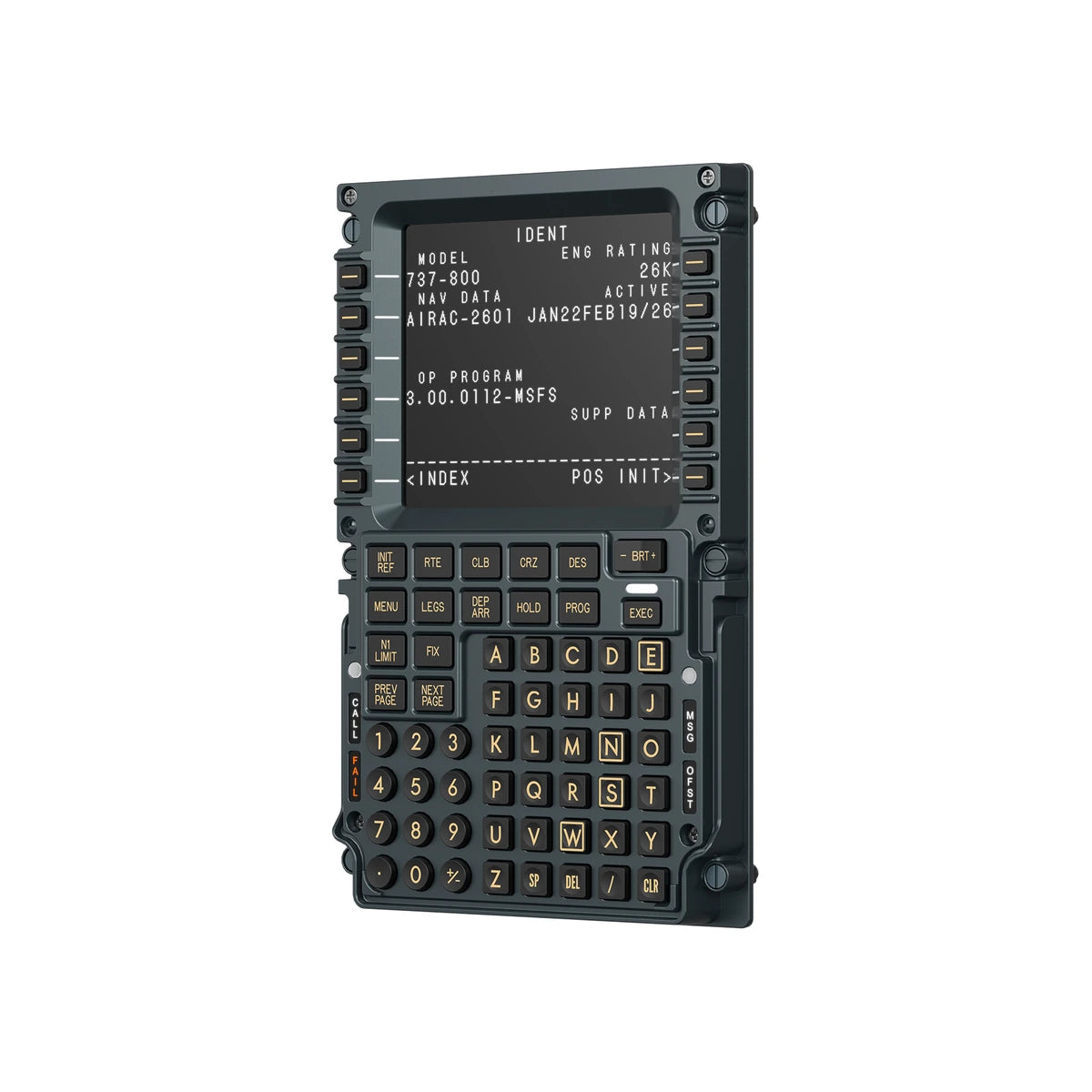
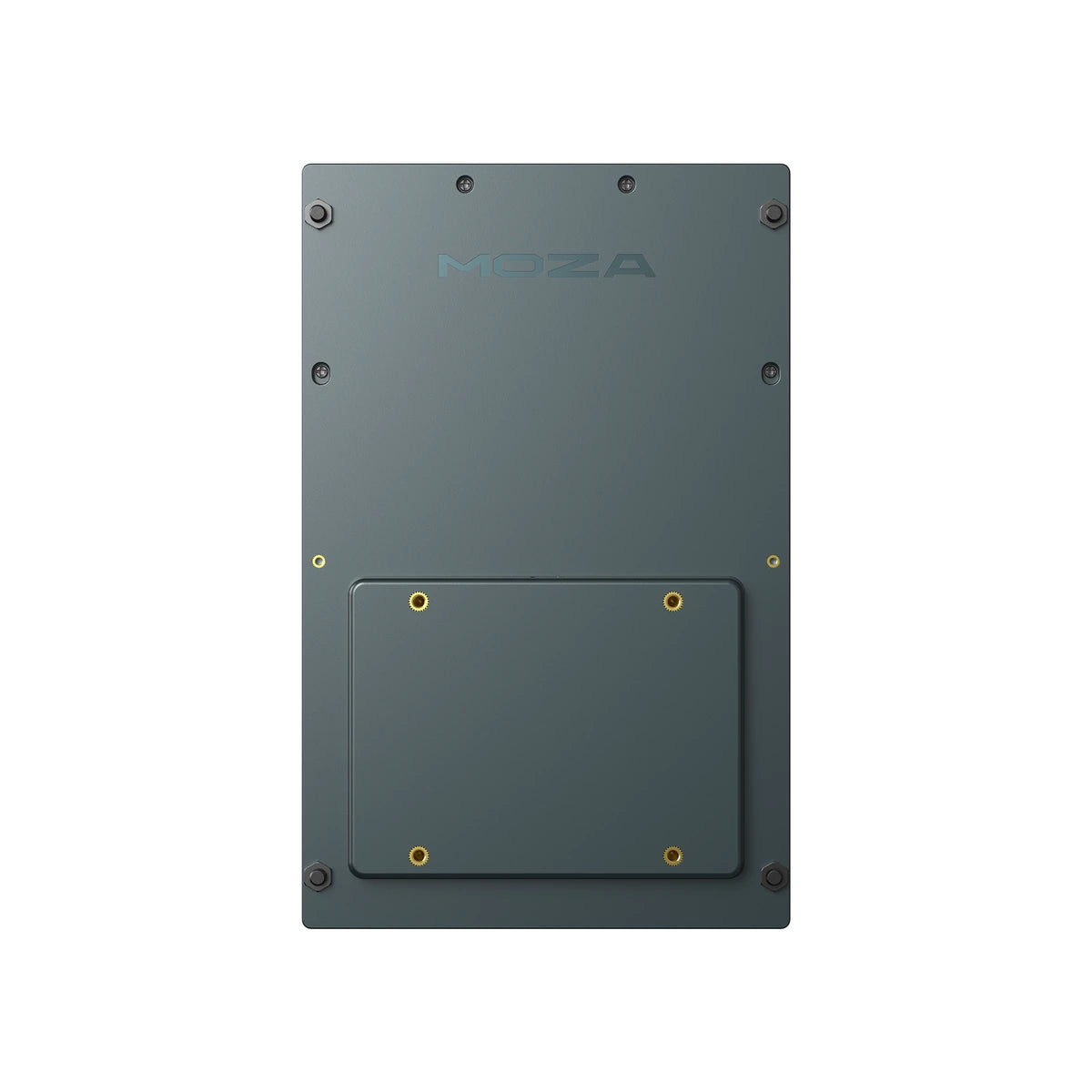
MOZA MB7F 737-Style Flight Computer Display
- Regular price
- $369.00
- Regular price
-
- Sale price
- $369.00
- Unit price
- per
Vendor : Moza
Product Type : Flight Sim Panel
Sku : AS026
Couldn't load pickup availability
 Secure Purchase
 Free Shipping
 Satisfaction Guarantee
 Manufacturer Warranty

The 737 flight computer, on your desk
The MOZA MB7F Flight Computer Display is a 737-style CDU panel for serious Boeing flight simulation. A sharp 5.1-inch IPS screen, a die-cast aluminium front, firm professional key switches and fully adjustable backlighting bring the real flight computer workflow into your sim: enter the route, set up performance data and run the FMC with physical keys instead of mouse clicks.
It plugs straight into your PC over USB-C and runs through MOZA Cockpit, which syncs the screen, indicators and lighting with the simulator in real time. MOZA lists launch support for the PMDG 737 family and the Zibo 737 in Microsoft Flight Simulator and X-Plane. Pair it with the MOZA TQB Boeing-style throttle module and a MOZA MFY Pro Yoke and your home flight deck starts to feel like the real thing.

A flight computer you program with your fingers
The MB7F follows the layout of the 737 control display unit, then adds the build quality, lighting control and software integration you want in a home cockpit you fly every week.

High-fidelity flight computer experience
The panel's screen, indicators and lighting stay synchronised with the simulator in real time, so the FMC pages you work through match what the aircraft is doing.

Crisp text on every page
A sharp 5.1-inch IPS screen keeps small FMC text clear and detailed. Font styles can be customised to match a specific aircraft profile or your own preference.

Die-cast aluminium front panel
The front housing is die-cast aluminium with a refined surface finish, so the unit feels solid and substantial under your hand rather than like a plastic keypad.

The centrepiece of a 737 setup
Set it on the desk with the included stand or bolt it into your cockpit on a 75 mm VESA mount, right where your hand expects the CDU to be.

Firm, deliberate key presses
High-force dome switches under rigid, high-hardness silicone keycaps give a firm, tactile response. The keys resist wobble and accidental presses, so long route entries stay accurate.

Set the cockpit mood
Screen brightness, character illumination and status lighting all adjust independently, and MOZA Cockpit telemetry keeps the lighting synchronised across your MOZA setup.

Checklist and whiteboard built in
A built-in checklist and three dedicated whiteboard pages turn the MB7F into a practical workflow tool for jotting clearances and working through your flows.

Made for the 737 you already fly
MOZA lists launch support for the PMDG 737-600, 700, 800 and 900 and the Zibo 737, in Microsoft Flight Simulator 2020 and 2024 and X-Plane 11 and 12, with more aircraft to come in MOZA Cockpit updates.
Plug in, launch your sim, fly
The MB7F is powered by MOZA Cockpit, which connects to your simulator's telemetry so there is no complex configuration to work through.

- Connects to Microsoft Flight Simulator and X-Plane telemetry
- Adjust screen brightness, character lighting and status lights
- Customise the display font to suit each aircraft
- Runs alongside your other MOZA flight gear in one app
What you are really buying
-
A real 737 workflow
Program routes and performance data on a 737-style CDU layout instead of clicking a virtual one.
-
A screen you can read
A 5.1-inch IPS display with customisable fonts keeps every FMC page clear.
-
Metal where you touch it
A die-cast aluminium front with a refined finish for a properly premium feel.
-
Keys that feel deliberate
High-force dome switches and rigid silicone keycaps cut wobble and accidental presses.
-
Lighting your way
Independently adjustable screen, character and status lighting, synced through MOZA Cockpit.
-
Flexible mounting
Use the included desktop stand or a standard 75 x 75 mm VESA mount in your cockpit.
Which simulators and aircraft does it support?
At launch MOZA lists the following support for the MB7F. MOZA says more aircraft will be added in future MOZA Cockpit updates. It connects to a PC over USB-C and does not need a MOZA wheel base or flight base.
| Category | Supported at launch | Notes |
|---|---|---|
| Simulators | Microsoft Flight Simulator 2020 and 2024, X-Plane 11 and 12 | PC only |
| Aircraft | PMDG 737-600, 737-700, 737-800 and 737-900 | Popular study-level 737 add-ons |
| Aircraft | Zibo 737 | The free X-Plane 737-800 modification |
| Other aircraft | Planned through MOZA Cockpit updates | Ask us before ordering for an aircraft not listed here |
On the desk or in the cockpit
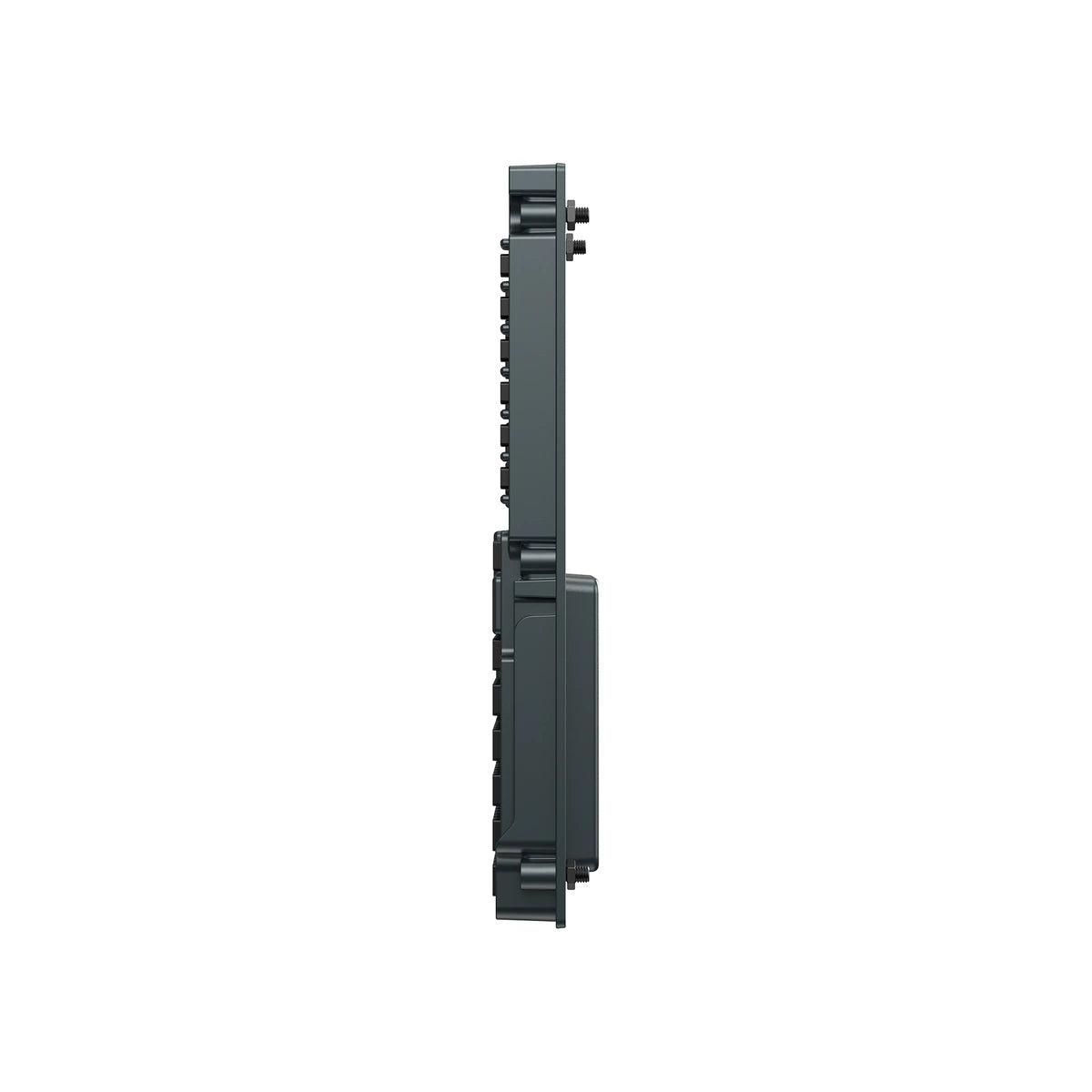
The included desktop stand gets you flying straight away. For a fixed install, the rear takes a standard 75 x 75 mm VESA mount, so it fits a wide range of cockpit brackets and flight sim control mounts.

Specifications
| Type | Boeing 737-style flight computer display (CDU) |
| Display | 5.1-inch high-resolution IPS, customisable font styles |
| Keys | High-force dome switches, rigid high-hardness silicone keycaps |
| Lighting | Independently adjustable screen brightness, character illumination and status lighting |
| Utility functions | Built-in checklist, 3 whiteboard pages |
| Dimensions | 277.9 x 145.5 x 32 mm |
| Weight | 646 g |
| Materials | Die-cast aluminium alloy, ABS, PC |
| Connection | USB Type-C (USB 2.0) |
| Rated voltage | 5 V |
| Rated current | 900 mA |
| Mounting | Desktop stand (included), 75 x 75 mm VESA |
| Supported platform | PC |
| Simulators | Microsoft Flight Simulator 2020 / 2024, X-Plane 11 / 12 |
| Software | MOZA Cockpit |
| MOZA part number | T12T230002A |
What's included
- MOZA MB7F Flight Computer Display
- USB Type-C cable (1.5 m)
- Desktop stand
VESA bracket not included. A Windows PC running a supported simulator is required.
Frequently asked questions
What is the MOZA MB7F Flight Computer Display?
What does FCD stand for?
Which aircraft does it support?
Does it work with Microsoft Flight Simulator 2024?
Does it work with X-Plane?
Is it the same as the MOZA Airbus flight computer display?
Do I need a MOZA base or other MOZA hardware to use it?
Does it work on Xbox or PlayStation?
Does it need a separate power supply?
How big is the screen and the unit?
How do I mount it?
What is the checklist and whiteboard function?
Can I change the brightness?
What does it feel like to type on?
What should I pair it with for a 737 home cockpit?
How is it different from the MOZA MGX1000 Instrument Panel?
What is in the box?
What warranty does it come with in Australia?
Do you offer free shipping in Australia?
Is the price in AUD and does it include GST?
Build the 737 flight deck around it
The MB7F handles the FMC. Add a yoke, a Boeing-style throttle and rudder pedals and you have the core of an airliner home cockpit.

MOZA MFY Pro Yoke
Yoke with built-in touchscreen
Shop the yoke →

MOZA MTQ Throttle
Modular throttle quadrant
Shop the MTQ →

MOZA TQB Module
Boeing-style throttle levers
Shop the TQB →

MOZA MRP Rudder Pedals
Metal frame rudder pedals
Shop the MRP →

MOZA MGX1000 Panel
G1000-style glass cockpit
Shop the MGX1000 →
Questions about the MB7F?
Aircraft support, mounting it in your cockpit or which throttle and yoke to pair it with, our team fly on this gear and can help you spec it right.
Australia-Wide Shipping
We ship all over Australia and want you to get your new gear as fast as possible, so we always aim to ship on the same day we receive your order, using the fastest and most reliable couriers in Australia. Of course, it may not always be possible to process your order on the same day, so please allow 1-2 business days for processing. If we encounter any delays we will let you know via email.
To maximise efficiency, Player1 Sim Gear ships all products in their original packaging straight from our warehouses or directly from our suppliers and manufacturers. Orders may be shipped in part or in full, and different courier companies may be used for different parts of your order. Please allow 2-8 business days for delivery. Please advise your phone number at checkout so we can get in touch with you if there is any problem. If you should receive a product that has been damaged while in transit please contact us immediately.
Please make sure someone will be available to receive your order, otherwise, your package may be diverted to your local post office or to your local shipping depot. We recommend all deliveries are sent to a business address to avoid any re-delivery charges. Note: Player1 Sim Gear will only ship to confirmed addresses, we cannot ship to PO Boxes sorry.
There may be times when the product you have ordered turns out to be out-of-stock with us or our suppliers. We will contact you to arrange a refund or alternate product if an item you have ordered is out-of-stock or unavailable for immediate shipment. You may cancel your order at any time prior to shipping.
International Orders: Apologies at the moment we don't ship internationally as standard. However if you outside Australia and there is something you'd like to purchase please do message us at sales@p1simgear.com.au, we will be happy to see what we can do.
Note re Larger cockpits and remote locations: We do our very best to ensure accurate shipping rates, however for larger cockpits and heavier items, rarely our shipping pricing may not be correct. In the event that the actual shipping costs for a large item should be exceed those quoted in your order, we will call you to discuss before we dispatch. You will have the option then to amend or cancel your order at no cost.
Returns Policy
We hope we can provide as much information and guidance as possible about each item so that you will love whatever you buy. We do understand though that the unforeseen happens. So in the unlikely event you wish to raise a return, please contact us and we shall discuss options and how we will proceed with the return request.
We have a 30-day return policy, which means you have 30 days after receiving your item to request a return. You may return your item(s) for an exchange/refund, so long as it is in the same condition that you received it, unopened, with tags and in its original packaging. You’ll also need the receipt or proof of purchase.
To request a return, you must first send an email to support@p1simgear.com.au with your Order number as the email subject and Reason for Return in the email body/message. We will reply to your email with your relevant return information. We will not accept any returned items if we have not had an email from you requesting a return, so you must request a return first, before sending anything back.
Damages and issues
Please inspect your order upon reception and contact us immediately if the item is defective, damaged or if you receive the wrong item, so that we can evaluate the issue and make it right.
Refunds
We will notify you once we’ve received and inspected your return, and let you know if the refund was approved or not. If approved, you’ll be automatically refunded on your original payment method. Please remember it can take some time for your bank or credit card company to process and post the refund too.
-
You, the buyer, are are fully responsible for paying all charges necessary to return the item to us. A restocking fee of up to 20% of the returned product's value may apply.
-
Items must be returned sealed and unused in their original packaging and in a fully resalable condition. All items are supplied to you, the customer, in brand new condition unless explicitly stated otherwise in the product title. For such items supplied in Brand New condition, if any seals have been broken, the item cannot subsequently be sold as new after the return, therefore the return will be declined or a restocking fee will be levied and partial refund given.
-
If the item is deemed DOA or faulty once opened, we shall troubleshoot and assess the nature of the fault and repair the item or replace like-for-like, should the fault be deemed a legitimate fault.
-
Items returned that are not in their original condition may not be accepted, and the refund request declined.
-
Returned items must be complete with all packaging in good condition, ready for immediate resale. All components and items within packaging (e.g. polystyrene/bubble wrap) must be returned also. We reserve the right to levy a charge to replace product packaging which is damaged / defaced / missing.
-
We cannot accept responsibility for returned parcels which are undelivered back to us (e.g. lost by the courier, delivered to incorrect address) or damaged in transit back to us. We strongly advise you send returned items using an insured & tracked service. Furthermore, we also strongly advise you to obtain and retain your proof of postage, as you may require it should you decide to make a claim against your carrier should they damage or lose your item whilst returning it to us.
For items which require assembly, we are not responsible for any charges (labour or otherwise) incurred during fitment/removal of allegedly faulty (or incorrectly supplied) parts.
Returns made outside of the 30-day return window, or with no valid reason, will be declined.
Pre-Order CancellationsIn the event a Pre-Order becomes unavailable or is cancelled by Player1 Sim Gear you, the buyer, are entitled to a full refund. In the event that you change your mind or choose to cancel your Pre-Order for any reason prior to shipment, cancellation fees may apply to offset any unrecoverable costs incurred by Player1 Sim Gear.